How to Achieve Business Process Automation Without Coding
Introduction
If you are a business owner drowning in manual data entry, repetitive email follow-ups, and disconnected software systems, you are not alone. The modern small to medium business (SMB) relies on an average of 16 different SaaS tools daily. The cost? Hours wasted copying and pasting information between them.
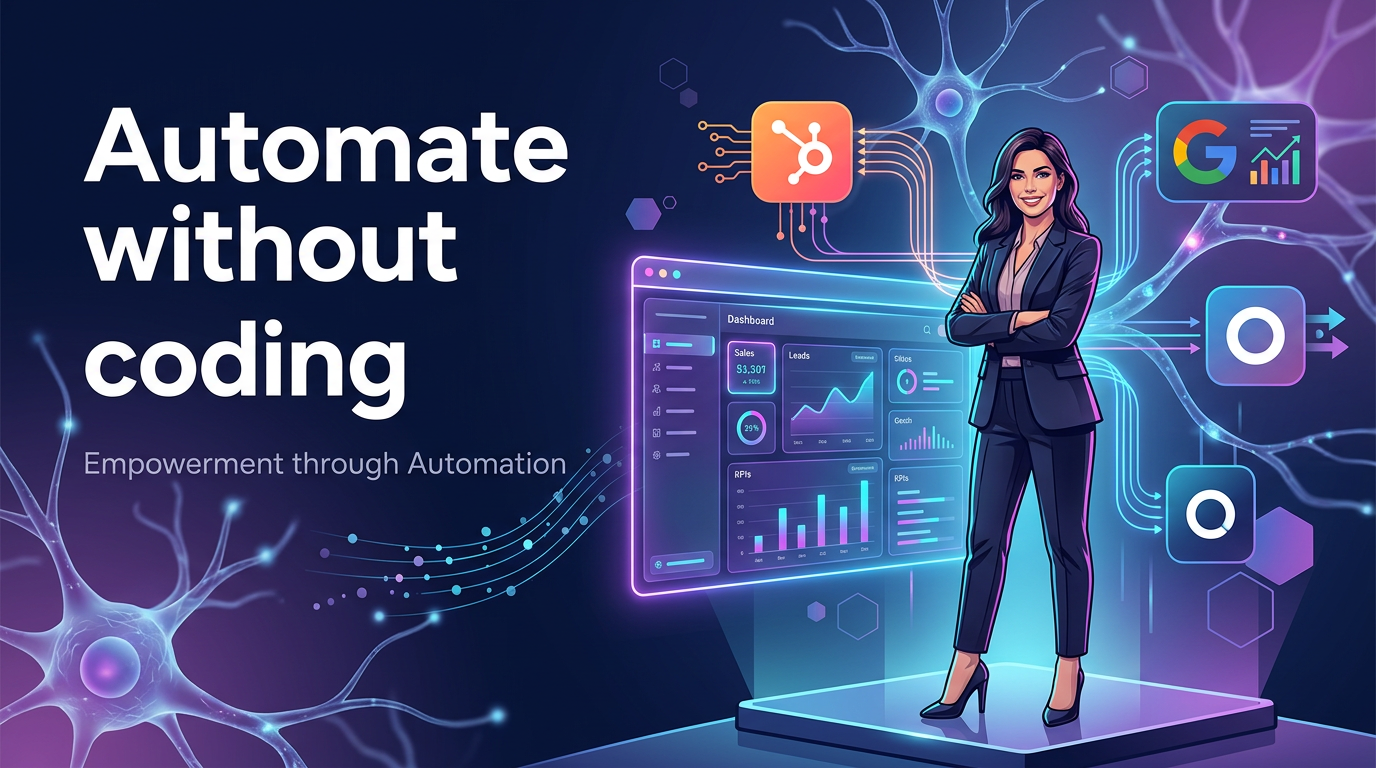
Business process automation without coding is no longer a luxury reserved for enterprises with dedicated IT teams. A new wave of AI-powered platforms, like Septra AI, allows non-technical operators to connect their CRM, ad platforms, and email tools together using simple natural language — not Python or JavaScript.
This article will show you exactly how to automate your most time-consuming workflows using AI agents that understand your real business data. No developer required.
Why Business Process Automation Without Coding Matters Now
The Shift from Enterprise AI to SMB Solutions
Major AI providers like Anthropic are launching dedicated small business offerings — such as Claude for Small Business — signaling a strategic shift from enterprise-first to SMB-focused AI solutions with embedded automation workflows. This is not a distant trend. It is happening now.
The message is clear: AI is finally accessible to businesses without a data science team. But the real power lies not in using AI to write blog posts or generate generic advice. It lies in using AI to act on your own customer data, automate your internal processes, and close more deals.
The Hidden Cost of Manual Work
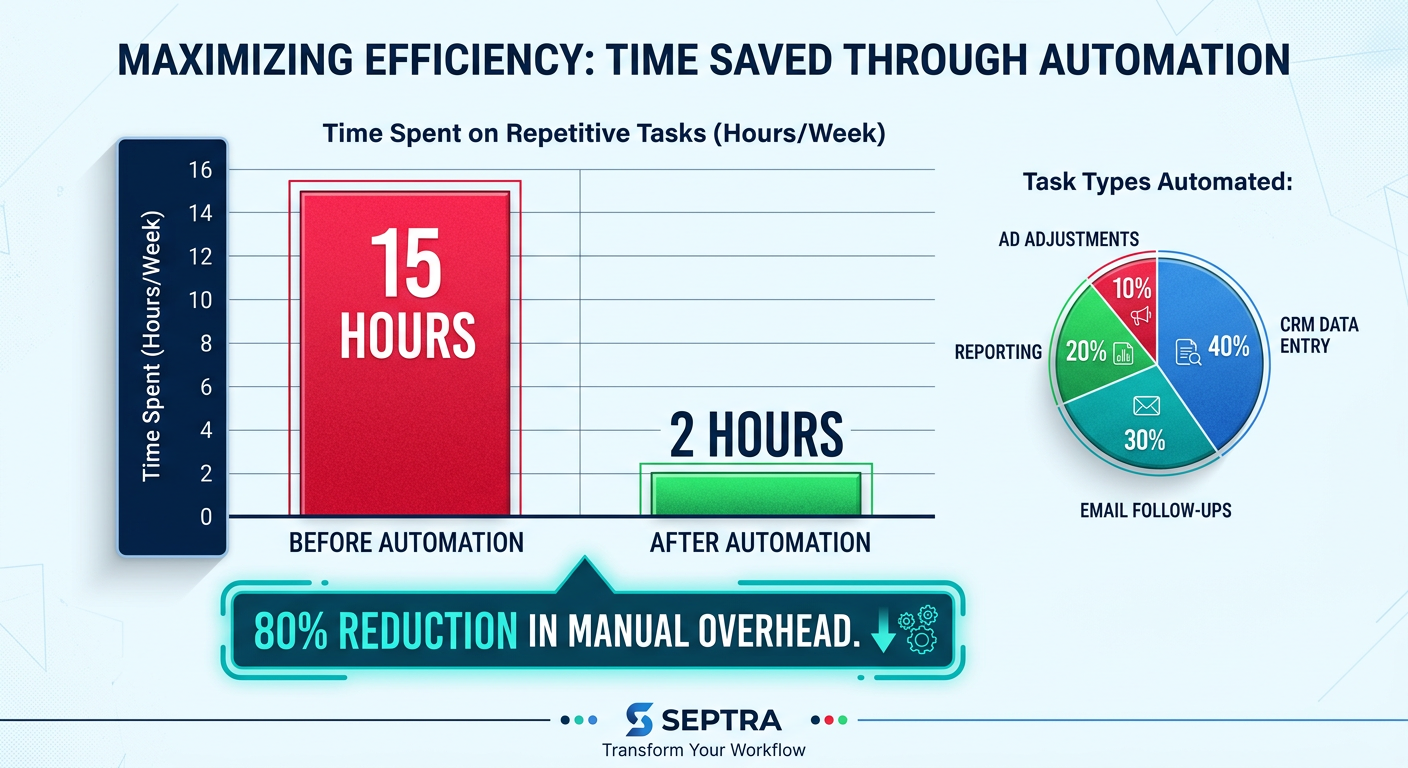
Manual tasks do not just waste time — they cost money. Every time your sales team manually logs a call in HubSpot or your marketing team exports Google Ads data into a spreadsheet, you are paying for unproductive labor. A typical SMB owner spends 20-30% of their week on repetitive administrative tasks. Automating those tasks directly improves your bottom line.
How AI Agents Power No-Code Automation
From Single-Response Bots to Multi-Step Workflows
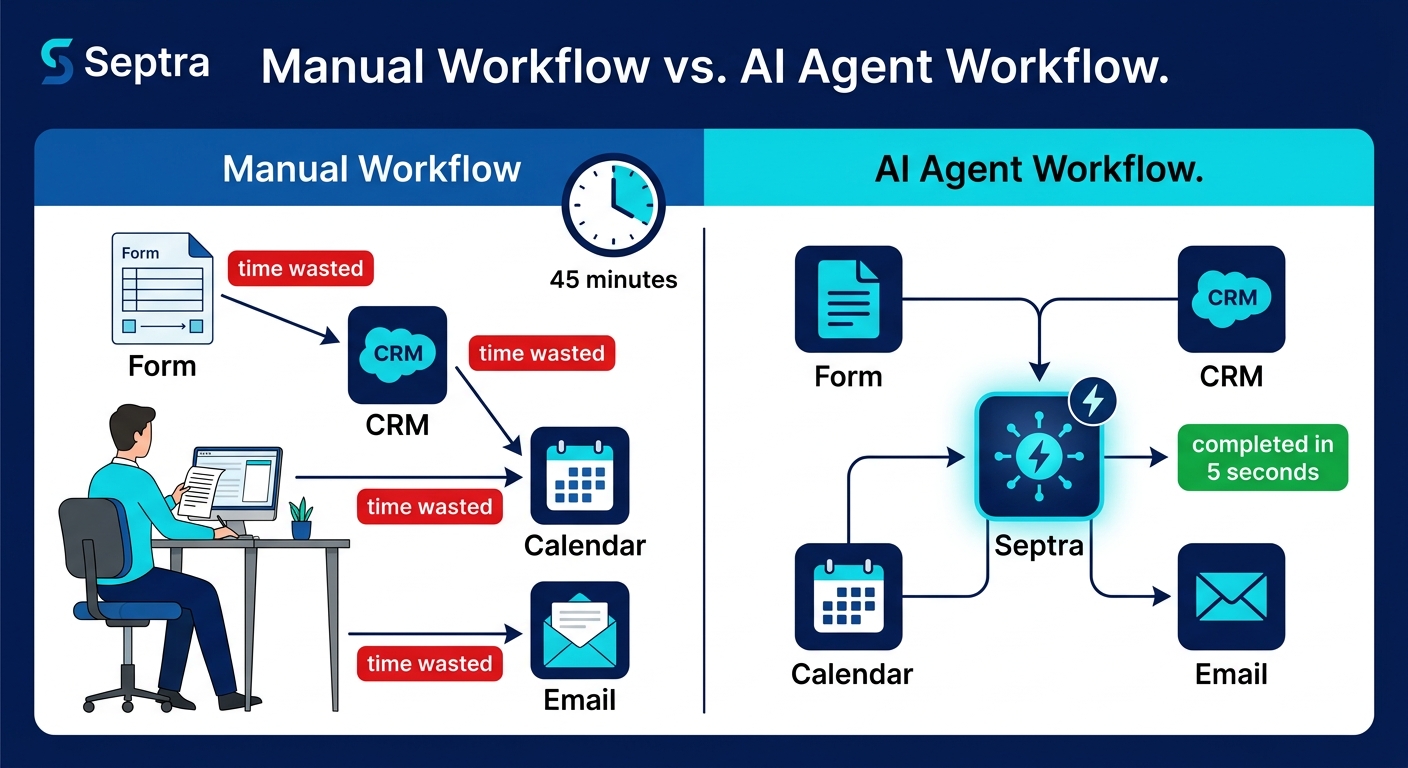
Older AI tools acted like smarter search engines — you asked a question, they answered. But that does not solve your operational problems. If you need to sync a new lead from a Facebook Lead Ad into Odoo CRM, create a task for your sales rep, send a personalized email, and log the interaction date — a single chatbot response is useless.
Today, AI tools are evolving beyond single-response chatbots to systems that can execute complex, multi-step workflows across multiple applications with scheduled automation capabilities. These are called AI agents.
An AI agent can:
- Read incoming emails
- Update CRM fields in HubSpot or Odoo
- Adjust Google Ads bids based on performance data
- Trigger email sequences from your marketing platform
- All without any manual coding
How Septra Bridges the Gap
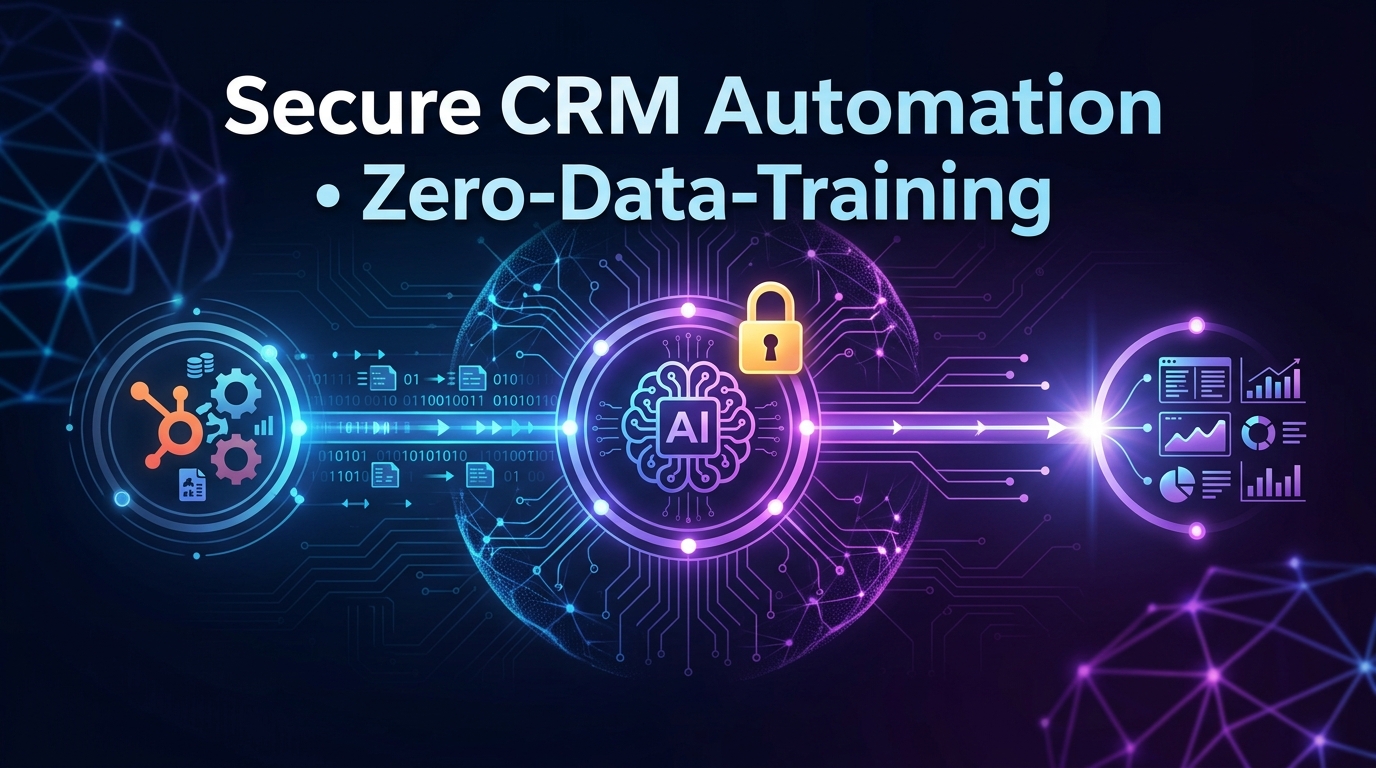
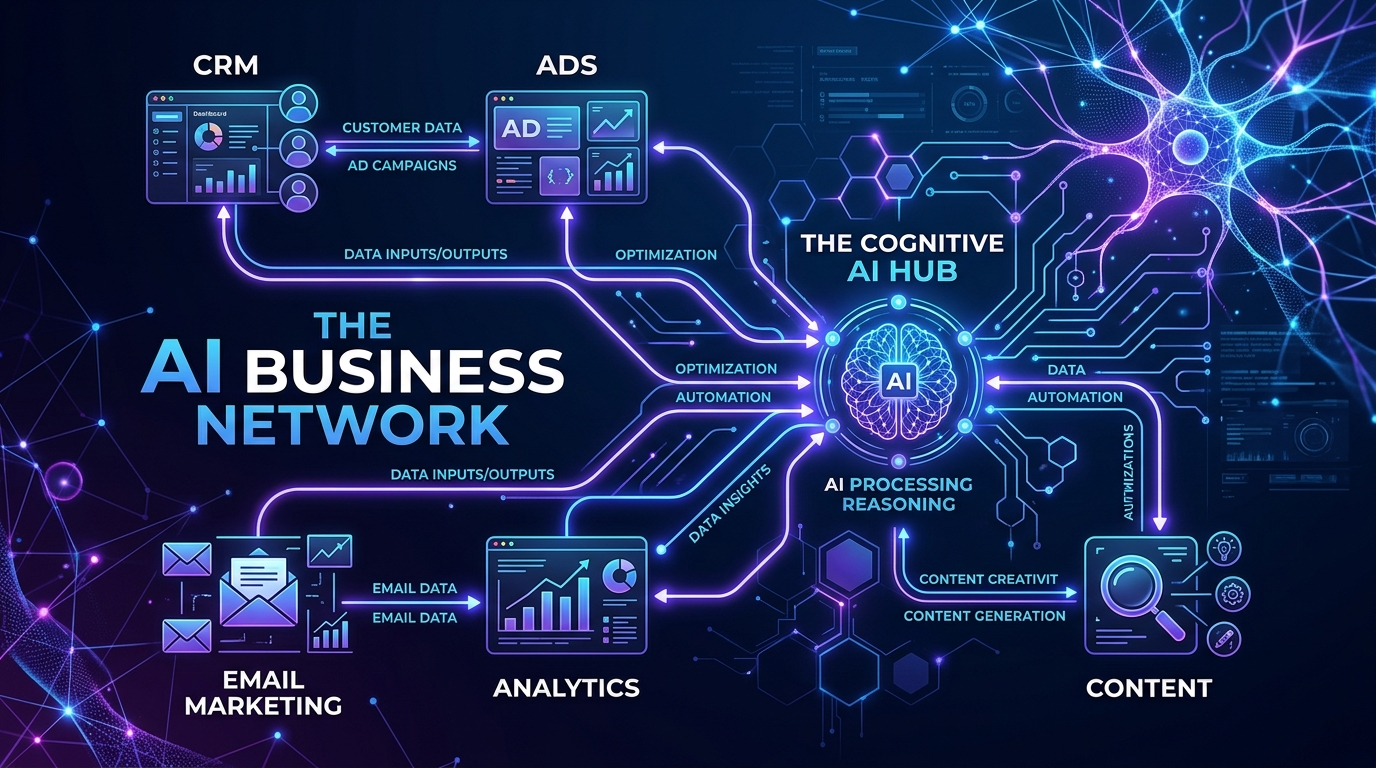
Septra AI is built specifically for this purpose. It connects directly to your existing tools (CRM, ads, email, spreadsheets) via no-code integrations. You describe what you want to happen, and Septra creates the automation for you. The platform uses a visual builder and natural language instructions — not scripts.
This is the essence of business process automation without coding: you define the outcome, Septra handles the logic.
5 Real-World Automations You Can Build Today (No Code)
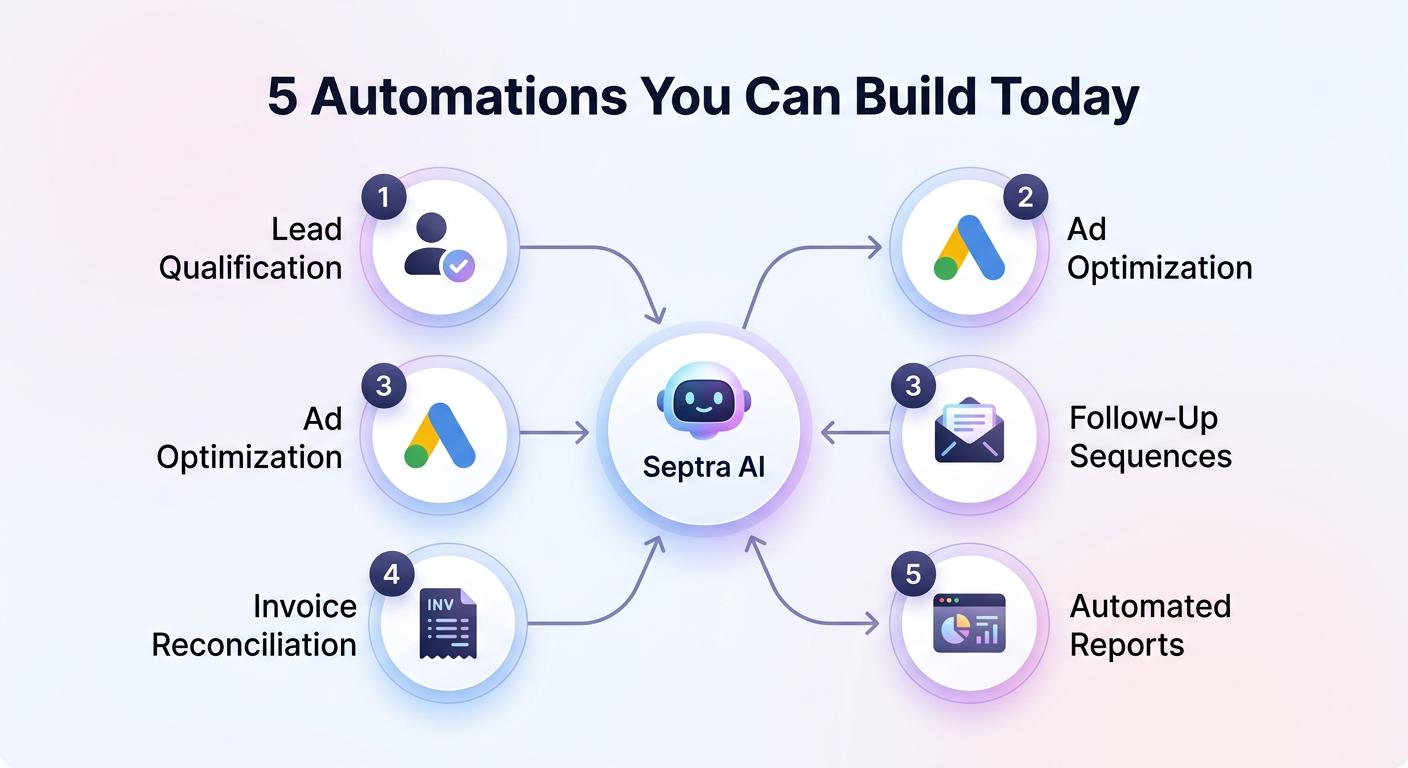
Here are five practical automations that Septra has helped SMB owners implement. Each one replaces manual work with AI-driven efficiency.
1. Automated Lead Qualification and CRM Entry
The manual way: A prospect fills out a form on your website. You export the lead from the form tool, format the data, manually enter it into HubSpot or Odoo, then assign it to a sales rep.
The automated way: Septra detects the new form submission, enriches the lead with company data from public sources, creates a contact record in your CRM, scores the lead based on criteria you define (e.g., industry, budget, company size), and assigns it to the appropriate salesperson — all within seconds.
Outcome: Sales reps get qualified leads instantly. No data entry. No delays.
2. Google Ads Performance Optimization Without Manual Intervention
The manual way: You log into Google Ads daily, check key metrics (CPC, CTR, conversion rate), pause underperforming keywords, adjust bids on high-performing ones, and update ad copy based on what works. This takes 30 minutes a day or more.
The automated way: Septra connects to your Google Ads account, monitors campaign performance against your target KPIs, automatically pauses keywords that exceed your max CPA, increases bids on keywords with a high conversion rate, and even suggests ad copy changes based on historical data.
Outcome: Your campaigns are optimized 24/7. You spend less time managing ads and more time strategizing.
3. Multi-Channel Customer Follow-Up Sequences
The manual way: After a sales call, you send a follow-up email, schedule a LinkedIn connection request, and log the activity in the CRM. You do this for every single prospect.
The automated way: An AI agent listens for a "call completed" trigger in your calendar tool. It sends a personalized follow-up email with key discussion points, sends a LinkedIn connection request with a custom note, logs the activity in the CRM, and schedules the next reminder for you — all from one workflow.
Outcome: Consistent follow-up without manual effort. Higher response rates.
4. Invoice and Payment Reconciliation
The manual way: You receive payment notifications via email, manually match them to outstanding invoices in your accounting system, update the invoice status, and send a receipt.
The automated way: Septra reads incoming payment confirmation emails, extracts the invoice number and amount, matches it to the corresponding invoice in your system, marks it as paid, and sends the receipt to the customer. Variations like partial payments or discounts are handled via conditional logic you set in plain English.
Outcome: Your accounts receivable process runs on autopilot. Faster invoicing. Fewer mistakes.
5. Automated Reporting and Data Aggregation
The manual way: Every Monday morning, you pull reports from Google Ads, HubSpot, your e-commerce platform, and your finance tool. You copy-paste key metrics into a spreadsheet and create a slide deck for your team meeting.
The automated way: Septra gathers data from all connected tools, calculates your top KPIs, builds a formatted dashboard, and emails it to your team before you even wake up. If a metric drops below a threshold, the AI agent alerts you proactively.
Outcome: You get insights and alerts delivered to you. No more Monday morning spreadsheet marathons.
Choosing the Right Tools for No-Code Automation
What to Look For in an AI Automation Platform
Not all no-code AI tools are created equal. When evaluating a platform for business process automation without coding, look for these capabilities:
- Deep CRM integration (HubSpot, Odoo, Salesforce) — because your customer data is the core of most workflows
- Native connections to major ad platforms (Google Ads, Facebook Ads, LinkedIn Ads) — so you can automate ad optimization
- Conditional logic builder — to handle "if this then that" scenarios without coding
- Scheduled triggers — to run automations hourly, daily, or on specific events
- Data enrichment capabilities — to automatically pull in relevant external data
- Human-in-the-loop approvals — for sensitive actions like sending email campaigns or making significant ad budget changes
Why Septra AI Stands Out
Most no-code automation tools (like Zapier or Make) rely on predefined templates and simple triggers. They work well for basic tasks but struggle with complex, multi-step workflows that require AI decision-making. Septra is designed for the latter: it combines deep tool integrations with AI-powered logic that adapts to your business rules.
This is the key advantage of business process automation without coding on Septra: you are not limited to rigid "if this then that" sequences. You can build workflows that understand context — like "Only run this automation if the lead score is above 80 and the company is in our target industry."
Integrating with Your Existing Stack
If you already use HubSpot, Odoo, Google Ads, or other popular tools, Septra connects seamlessly. The setup process does not require any technical knowledge. You authorize the connection once, and Septra can read and write data to those platforms based on your instructions.
This eliminates the need to migrate data or learn new software. You keep using the tools you love, and Septra handles the busy work.
Overcoming Common Myths About No-Code Automation
Myth 1: "I need a programmer to set it up."
Reality: Septra's platform is built for business owners, not developers. You describe your workflow in simple English or use the visual workflow builder. The AI interprets your instructions and creates the automation.
Myth 2: "AI automation is too expensive for my small business."
Reality: The cost of an AI automation platform is often less than what you lose in manual labor inefficiency each month. Many SMBs find a positive ROI within the first 30 days. Plus, as several AI providers now offer dedicated small business pricing tiers, it is more affordable than ever.
Myth 3: "Automation will replace my team."
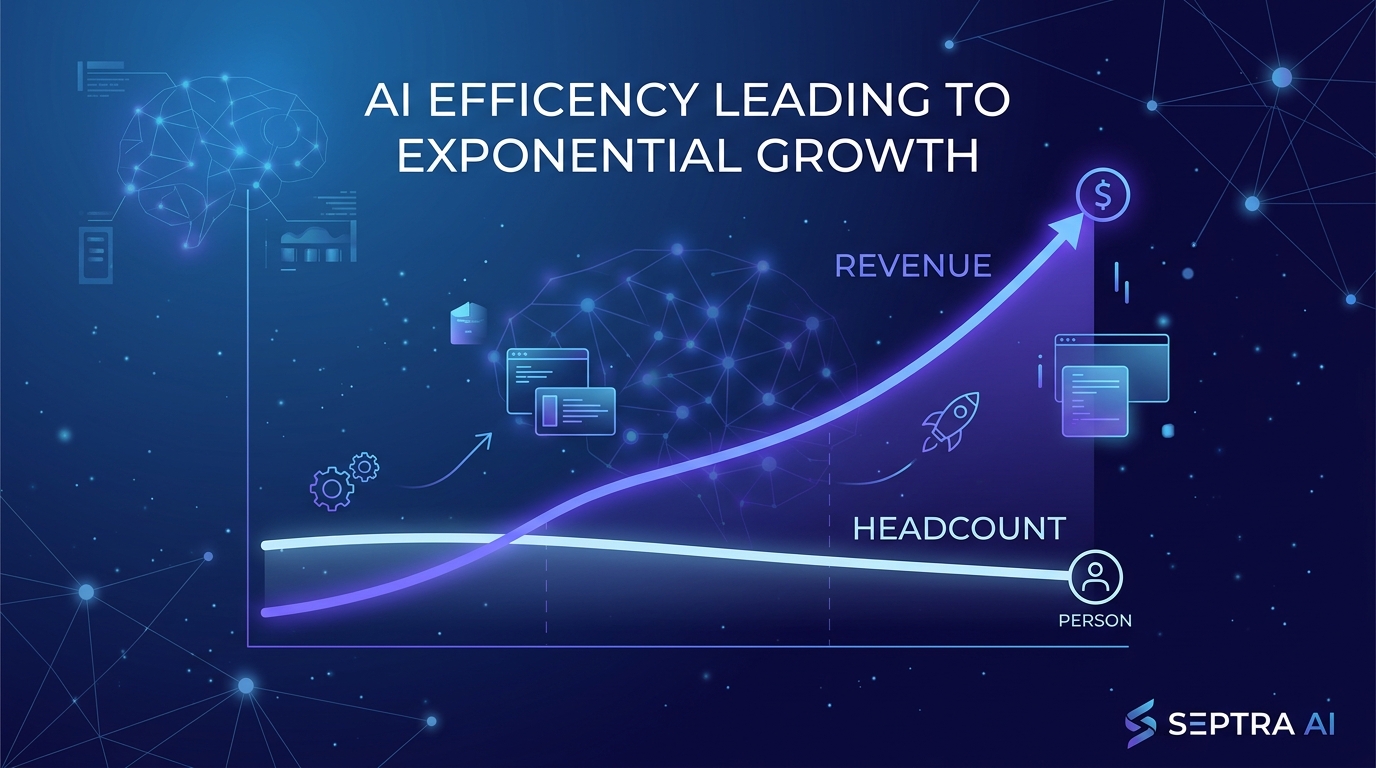
Reality: Automation eliminates repetitive tasks — not people. Your team can focus on high-value work like strategy, relationship building, and creative problem-solving. The goal is to scale operations without hiring, not to fire anyone.
Myth 4: "It is too risky to let AI control my business tools."
Reality: Modern platforms include safeguards like approval gates, audit logs, and fail-safes. You decide which automations run automatically and which require your confirmation. Septra also logs every action so you can review what the AI did.
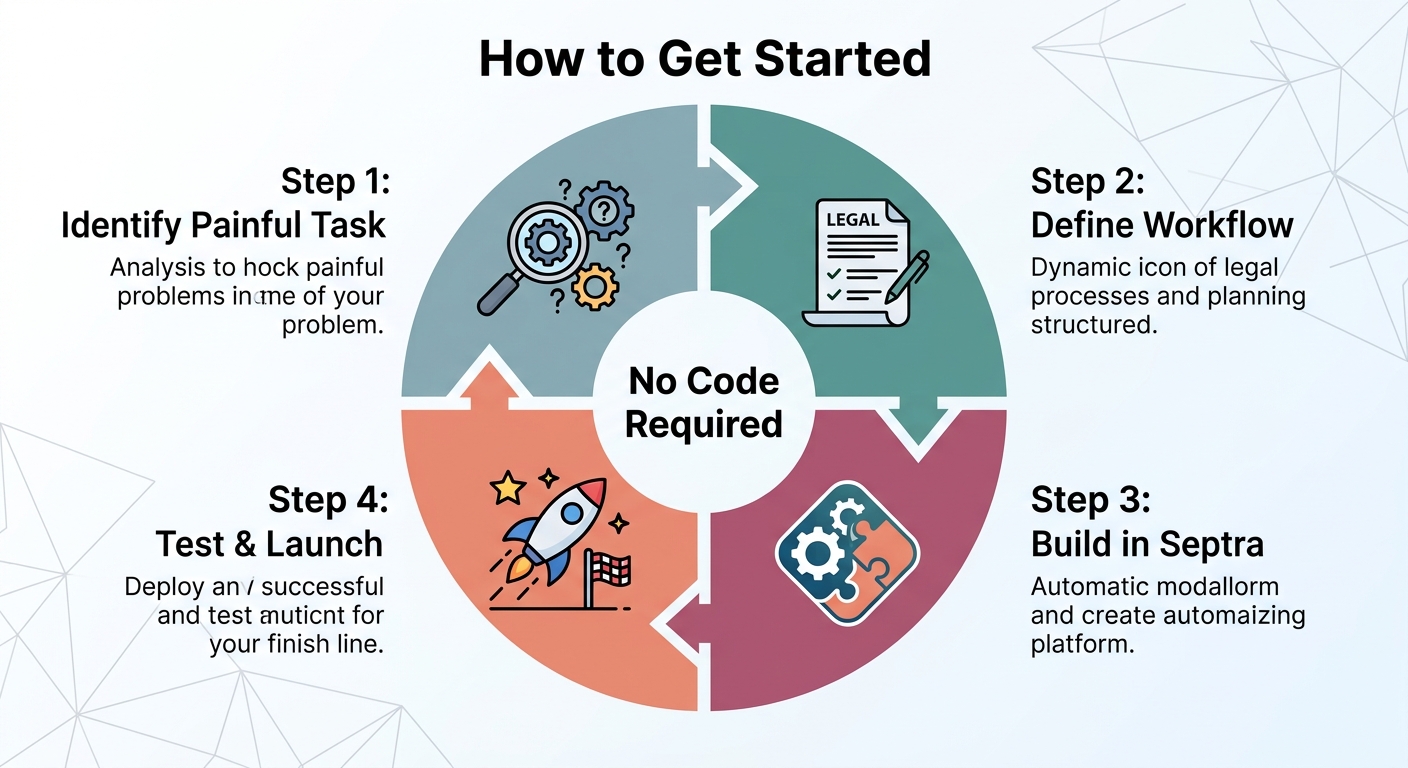
How to Get Started: A Simple 4-Step Plan
Step 1: Identify Your Most Painful Repetitive Task
Pick one task that takes up at least 30 minutes per week and is purely manual. Examples: copying data between tools, sending the same email template repeatedly, or manually adjusting ad bids. Start small.
Step 2: Define the Workflow in Plain English
Write down what happens from start to finish. Example: "When a new lead submits the contact form on my website, I want to:
- Create a contact in HubSpot with their name, email, and phone number.
- Enrich the record with their company size from LinkedIn.
- Assign them to the sales rep covering their region.
- Send a welcome email from Gmail.
- Add a task to follow up in 3 days."
Step 3: Build the Automation in Septra
Log into Septra, connect your tools (HubSpot, Gmail, etc.), and create a new workflow. Use the natural language field to paste your description. The AI will suggest the steps and ask for confirmation on any ambiguous parts.
Step 4: Test, Launch, and Monitor
Run the automation on a test data set first. Verify that the actions are correct. Then activate it for real. Septra's dashboard shows you every workflow run, including any errors.
What the Future Holds: AI + Automation for the SMB
Industry trends confirm that we are only at the beginning of this shift. Companies are developing specialized AI engines trained on specific business functions — like social media management or customer support ticketing — rather than relying on general-purpose models. This means even more precise, effective automations are coming.
Furthermore, brand strategy and AI search are becoming increasingly connected. CMOs are prioritizing brand building yet many are deprioritizing AI search optimization — creating a gap that smart business owners can fill by using AI to automate their content distribution and SEO tracking.
For the SMB owner, the message is simple: those who adopt business process automation without coding now will gain a significant competitive advantage in efficiency, speed, and scale. Those who wait will be left behind.
Frequently Asked Questions
Can I really automate complex workflows without knowing how to code?
Yes. Platforms like Septra AI use natural language processing to let you describe your workflow in plain English. The AI handles the logic. You do not need to write a single line of code.
How long does it take to set up an AI automation?
Simple automations can be set up in under 15 minutes. More complex workflows might take an hour or two to define and test. The done-for-you implementation service from Septra can set up full systems in days.
Will the automation work with my existing CRM and tools?
Septra integrates natively with major platforms like HubSpot, Odoo, Google Ads, Gmail, Slack, and more. If your tool has an API, Septra can likely connect to it.
What happens if the automation makes a mistake?
Septra provides a detailed activity log for every workflow run. You can review actions, see what data was used, and undo actions if needed. For high-risk tasks, you can set up approval gates so the AI only suggests actions that you then approve.
Conclusion
You do not need a technical background, a large budget, or a team of developers to harness the power of AI for your business. Business process automation without coding is here, and it is ready to transform the way you operate.
Septra AI exists to make this transition seamless for busy SMB owners. Our platform connects to your real data — your CRM, your ad accounts, your email — and automates the tasks that drain your time. You focus on growing your business, and we handle the repetitive work.
Ready to stop manual work and start scaling? [Start your free trial with Septra today] and see how AI agents can transform your operations — without a single line of code.
Ready to build your own AI app?