AI Automation for Agency Client Fulfillment: Scale Without The Overhead
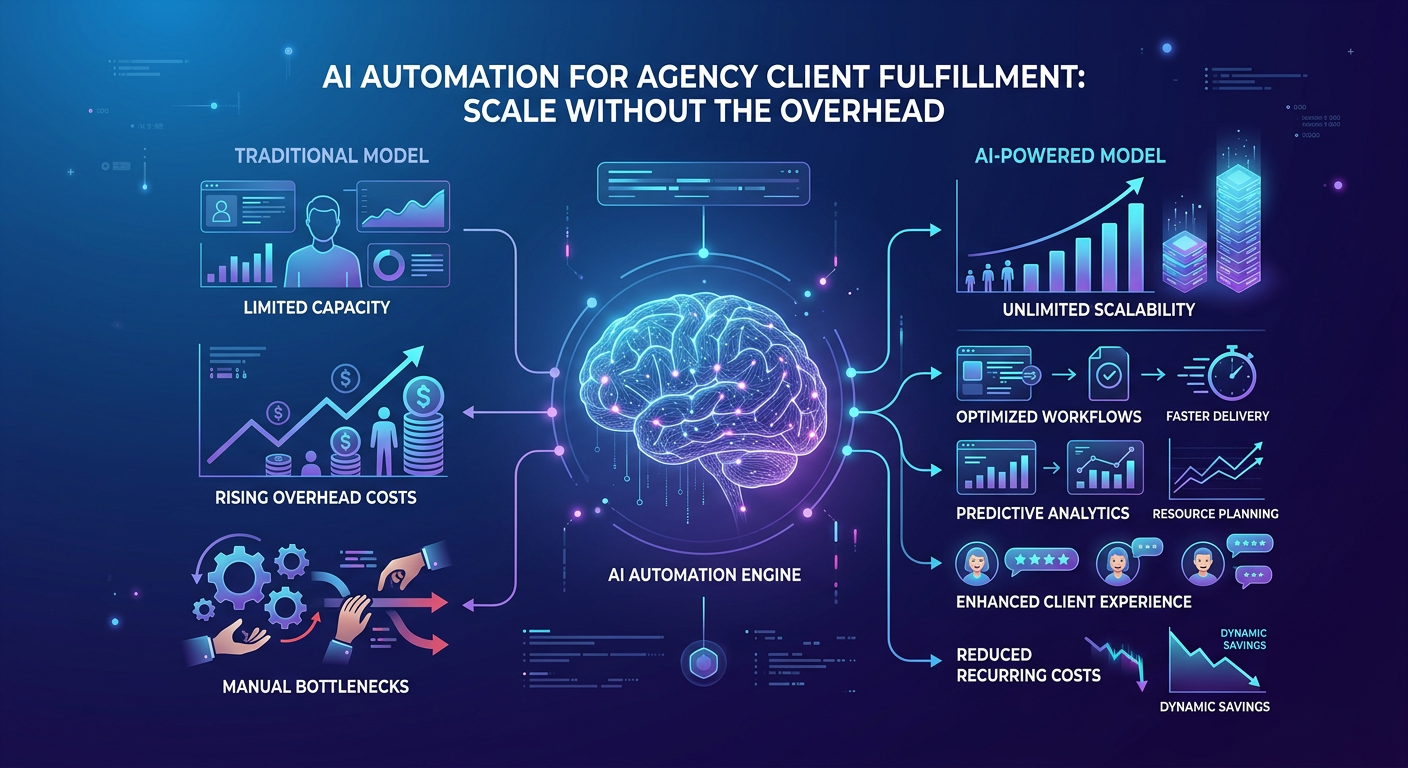
The bottleneck isn't your talent—it's your fulfillment model. Every agency owner knows the pain: you win a new client, celebrate briefly, and then brace for the operational grind. Reports need building. Emails need drafting. Data needs stitching together from five different platforms. Soon, you're hiring another project manager just to keep the machine running.
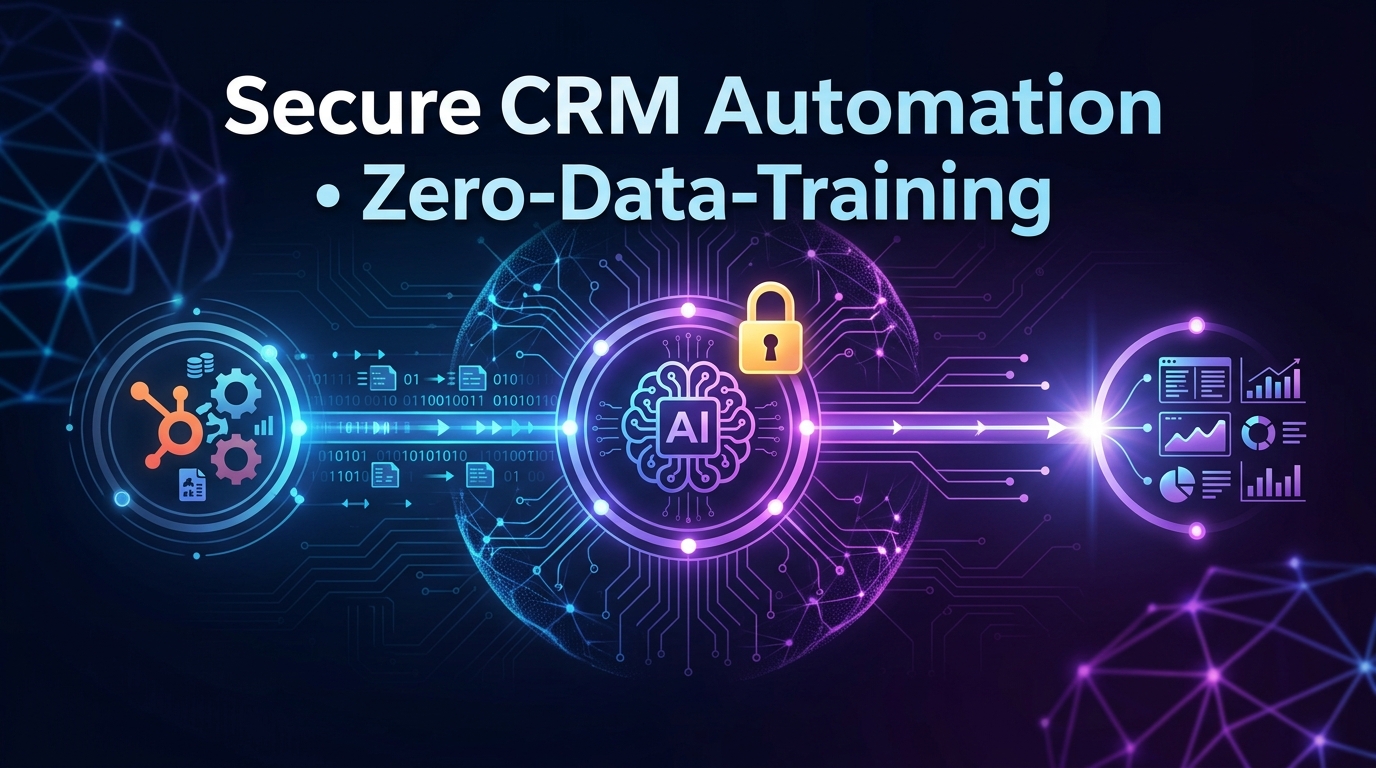
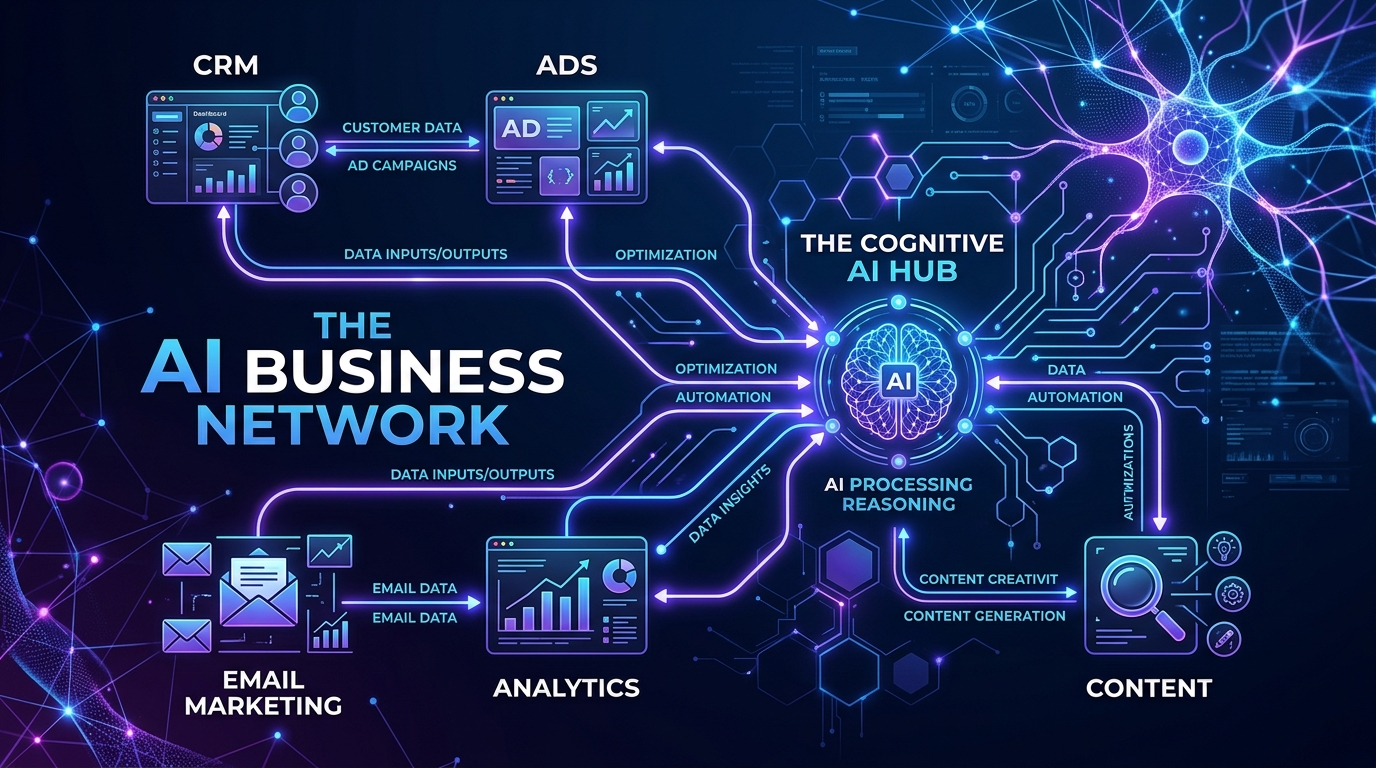
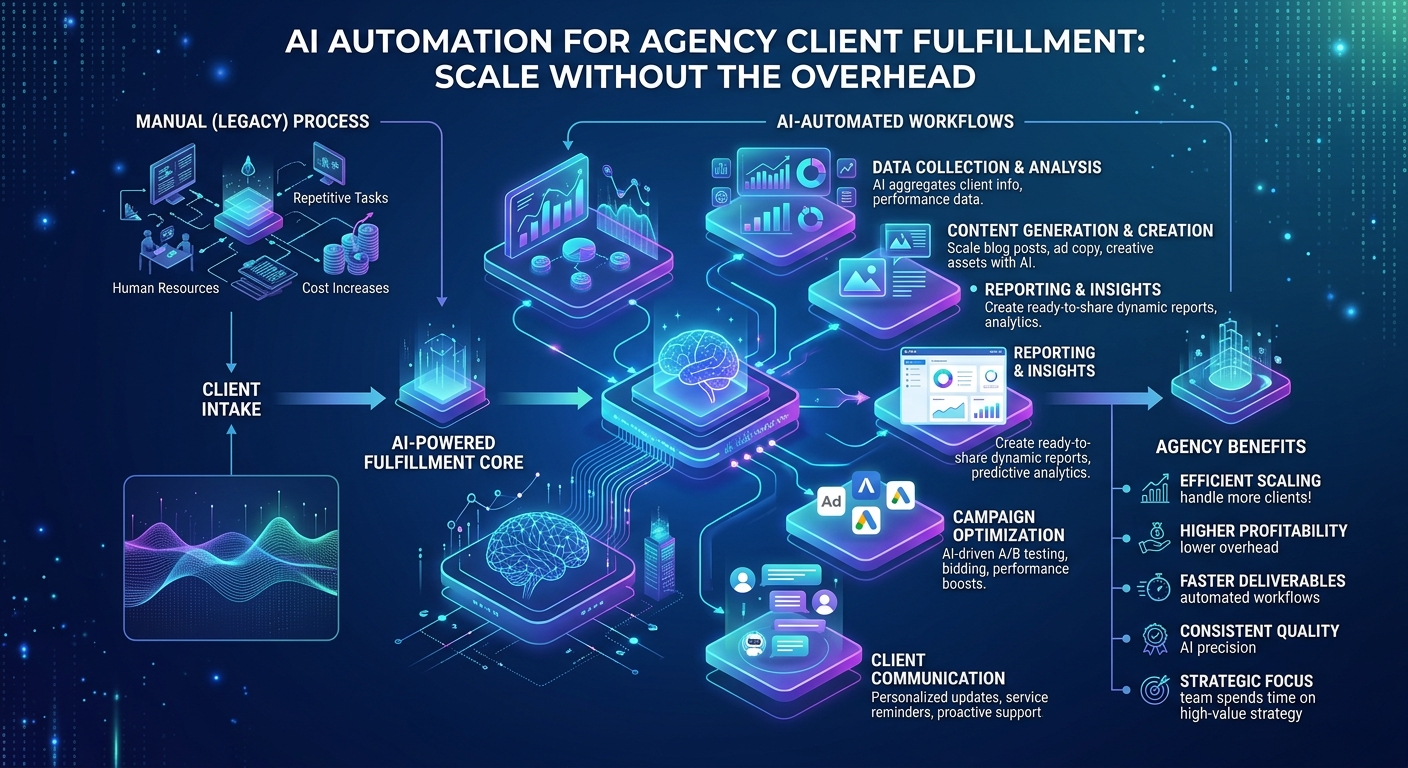
This is the manual overhead tax that caps your growth. But the smartest agencies are now deploying AI automation for agency client fulfillment—connecting specialized AI agents directly to their CRM (HubSpot or Odoo), ad platforms, and project management tools. The result? A fulfillment engine that scales without proportionally increasing your headcount.
If you're tired of generic ChatGPT advice that can't see your actual data, this guide is for you. We'll show you exactly how to automate report generation, client communication, and service delivery—using your real numbers, your real workflows, and your real systems.
The Hidden Cost of Manual Fulfillment (and Why It's Killing Your Margins)
Let's look at the numbers most agency owners ignore.
A typical client engagement requires:
- 4-6 hours per month on performance reporting (spreadsheets, screenshots, commentary)
- 2-3 hours per month on client emails, status updates, and Q&A
- 5-10 hours per month on actual service delivery (ad optimization, SEO audits, content production)
That's 11-19 hours per client per month—much of it repetitive, data-wrangling work. With an average agency billing $3,000-$5,000/month per client, your effective hourly rate after fulfillment costs can drop below $150. That's not scalable; that's a lifestyle business with a ceiling.
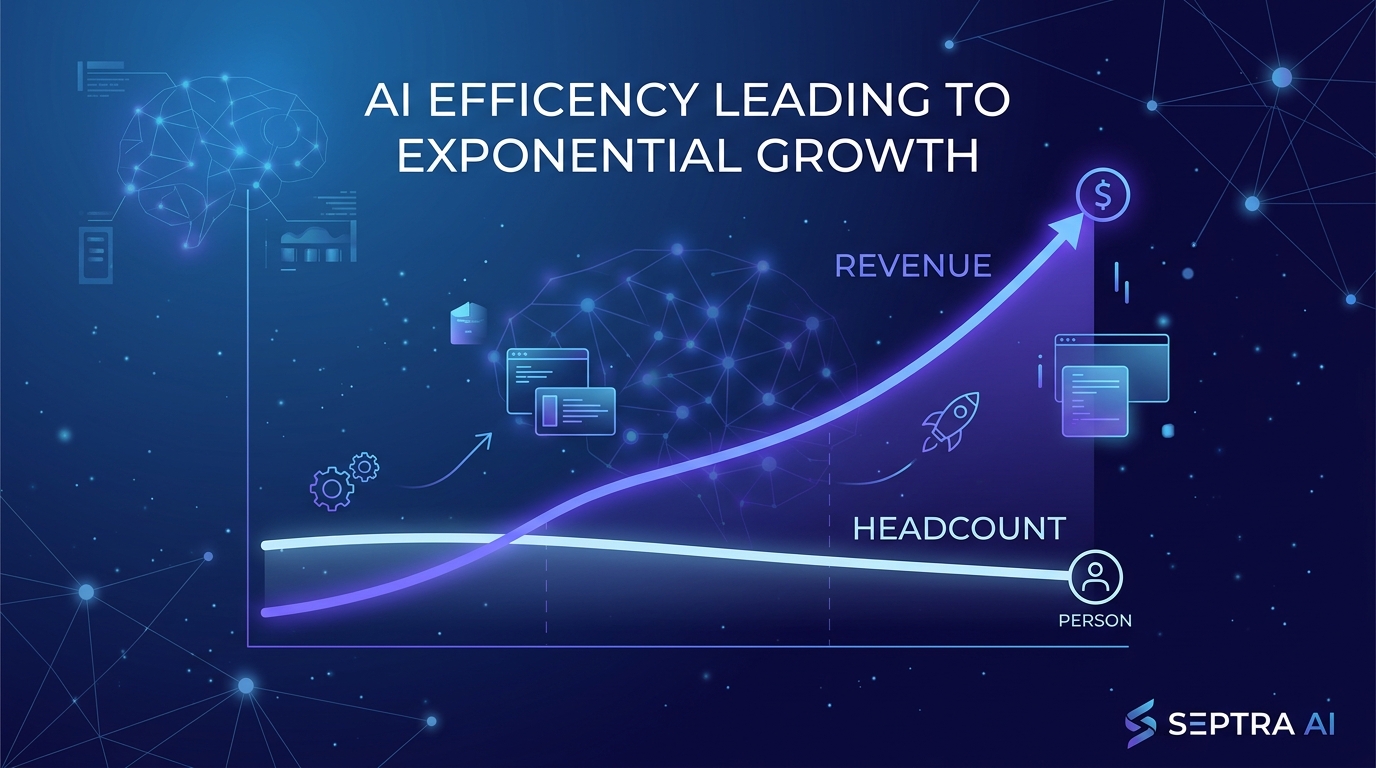
The real killer? Every new client requires nearly the same proportional time investment. You can't grow 5x without hiring 4x the staff. Enter AI automation for agency client fulfillment.
What Changes With AI Automation?
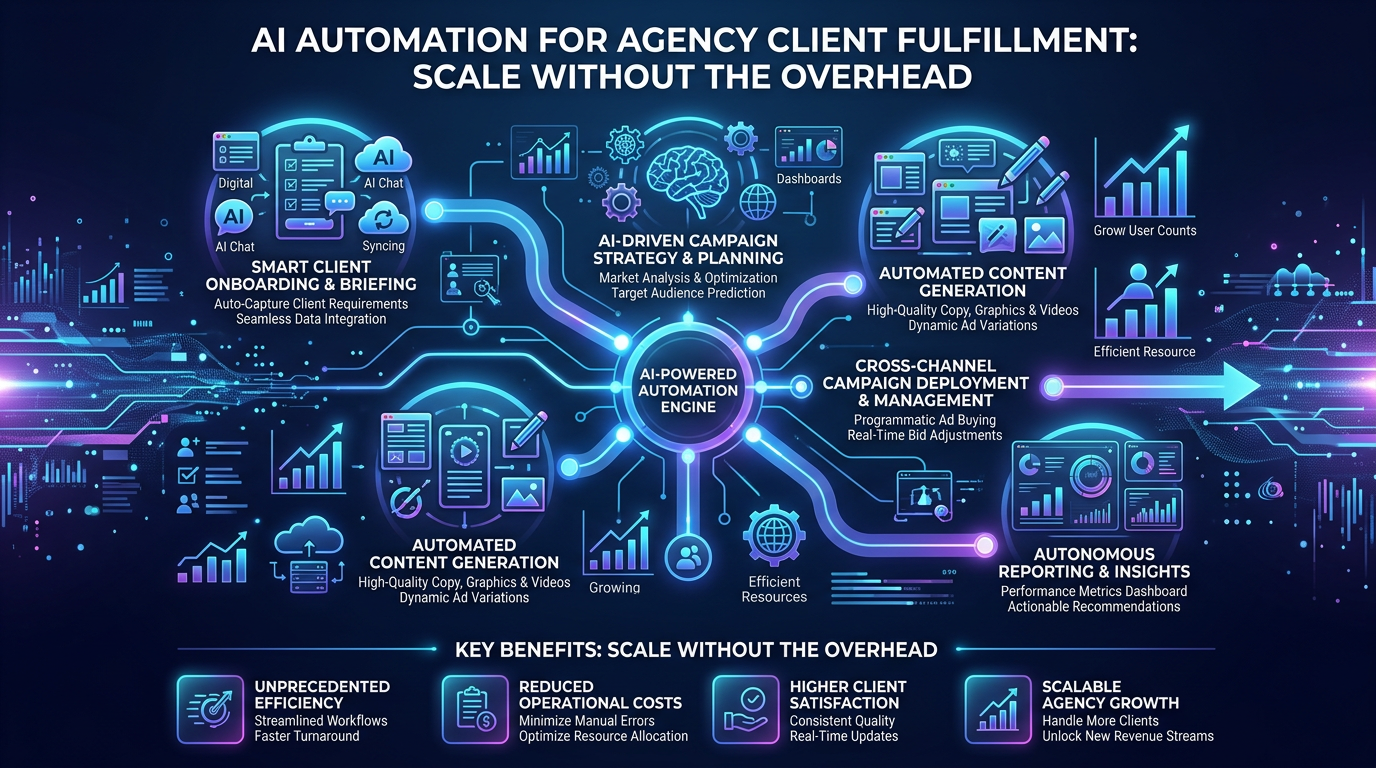
Instead of manually pulling data from Google Ads, HubSpot, and Google Analytics, an AI agent connected to your tech stack can:
- Query your CRM for deal stages and pipeline data
- Pull ad performance metrics via API
- Generate a formatted, client-ready report with narrative insights
- Draft personalized client emails with those insights embedded
- Schedule and trigger automated workflows based on performance thresholds
This isn't a futuristic vision—it's happening now. And it's not about replacing your team; it's about removing the friction that prevents them from doing higher-value work.
Section 1: Automating Report Generation—From Data Silos to Client-Ready Insights
The old way: You log into Google Ads, pull screenshots. Log into HubSpot, export pipeline. Open Google Analytics, take more screenshots. Paste everything into a slide deck. Write 500 words of interpretation. Send for review. Repeat next month.
The AI-automated way: A connected AI agent reads your data directly, builds the visualizations, writes the narrative, and pushes the report to your client portal.
How to Deploy Automated Reporting (Step-by-Step)
- Connect your data sources – Use API integrations (Septra handles HubSpot, Odoo, Google Ads, and more) to give your AI read-access to performance metrics.
- Define report templates – Specify structure: executive summary, KPIs, trends, recommendations. Each client can have their own branded format.
- Set auto-generation triggers – Schedule reports weekly, monthly, or on-demand. The AI retrieves fresh data each time.
- Add contextual intelligence – The AI doesn't just paste numbers—it identifies anomalies, compares month-over-month, and surfaces actionable insights (e.g., "Your cost per lead dropped 12% this month due to the new GEO-targeting campaign").
Real-world impact: A mid-sized digital agency handling 15 clients deployed automated reporting via connected AI. Their monthly report generation time dropped from 90 hours to 12 hours. Two junior account managers were upskilled to strategic roles. Client satisfaction scores increased because reports were delivered 3 days faster and contained richer analysis.
Key takeaway: Report generation is the lowest-hanging fruit for AI automation. It's data-intensive, repetitive, and has a massive ROI for both your team and your clients.
Section 2: Automating Client Communication—Without Sounding Robotic
Every agency owner knows the fear: "If I automate client communication, will it feel impersonal?"
The answer is yes—if you use the wrong approach. Generic ChatGPT scripts that say "I hope this email finds you well" are a recipe for churn.
But context-aware AI automation is different. It pulls from real data about that specific client's campaign performance, recent interactions in HubSpot, and even their stated goals from the last call. The result is communication that's more relevant and timely than what most humans produce under time pressure.
Three Areas Where AI-Driven Communication Wins
- Status update emails – Auto-generate weekly or bi-weekly updates summarizing what was done, what's in progress, and what needs attention. Include live links to dashboards.
- Performance alerts – If a campaign drops below a ROAS threshold, the AI can draft a proactive email to the client with a diagnosis and proposed fix—before the client even notices.
- Quarterly business reviews – Compile a full narrative review using data from the past three months, year-over-year comparisons, and strategic recommendations. The AI drafts it; your team personalizes the tone.
Maintaining the Human Touch
Use AI to draft, not send. Your team reviews, personalizes one paragraph, and clicks send. This turns a 30-minute task into a 3-minute task while keeping your unique voice front and center.
Section 3: Automating Service Delivery—The Backbone of Scalable Fulfillment
This is where AI automation for agency client fulfillment moves from efficiency to transformation.
Service delivery tasks—ad optimization, SEO adjustments, content scheduling—are often manual, rule-based, and time-sensitive. AI agents can execute many of these directly:
- Google Ads optimization: AI can pause low-performing keywords, adjust bids based on conversion data, and allocate budget to top campaigns—all within client-set parameters.
- SEO audits and content tracking: AI can crawl client websites weekly, identify broken links, flag missing meta descriptions, and generate a prioritized fix list.
- CRM hygiene and workflow triggers: AI can automatically update deal stages, log emails, create tasks for follow-ups, and move leads through your sales pipeline based on behavior signals.
The Multi-Step Workflow Advantage
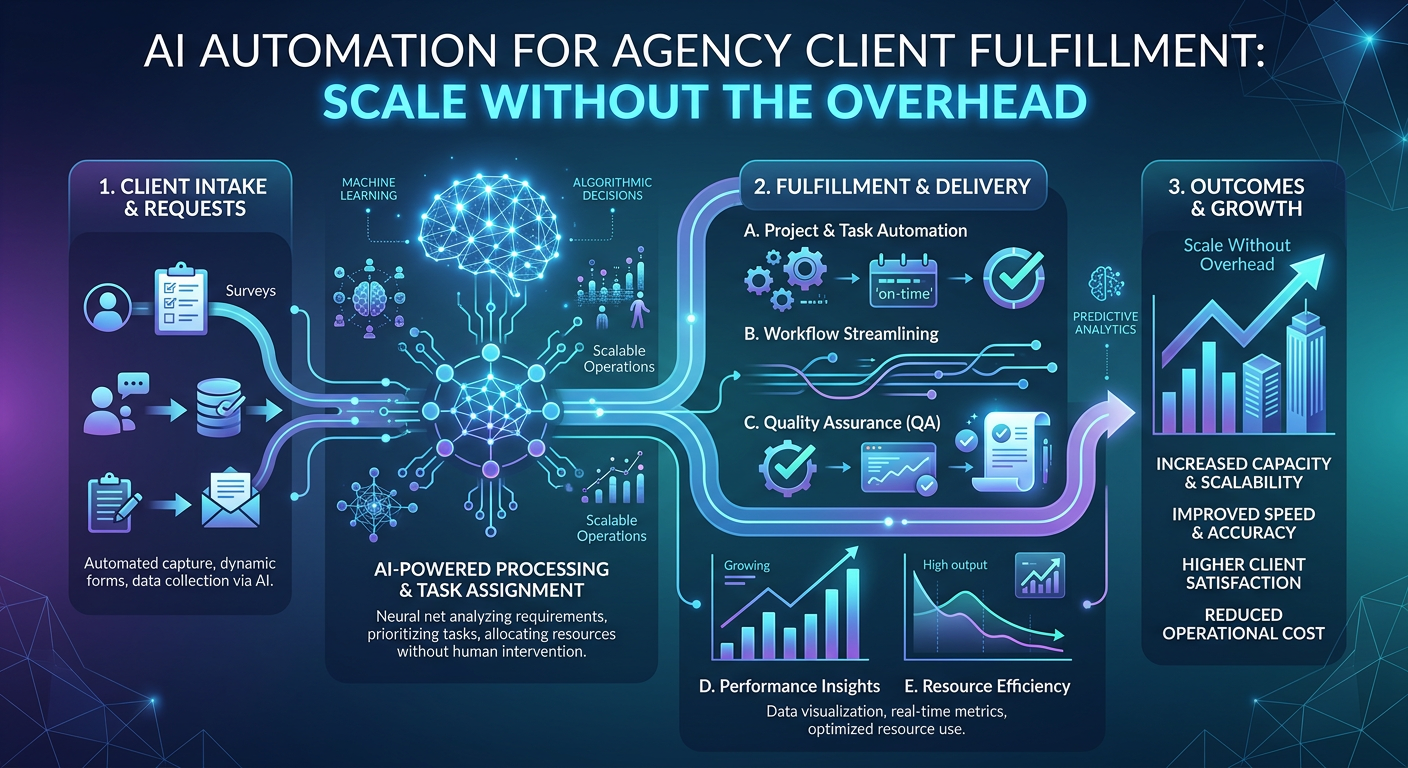
Recent advances in AI have moved beyond single-response bots. Modern agents can execute complex, multi-step tasks across multiple applications. For example:
Workflow: Weekly Client Fulfillment Run
- AI queries HubSpot for new deals won this week.
- For each deal, it creates a project in your PM tool (Asana, Trello, Monday).
- It pulls client onboarding docs from Google Drive.
- It drafts a welcome email sequence.
- It schedules the first ad campaign launch for the following week.
- It updates the client's dashboard with baseline metrics.
All without a human touching a keyboard. Your team steps in only for strategic decisions and quality assurance.
Section 4: Connecting AI to Your Real Data (Not Generic ChatGPT)
Here's the critical distinction: Generic AI tools are useless for agency fulfillment. They don't know your clients, your KPIs, or your processes.
To make AI work for your agency, it needs to be:
- Connected to your CRM (HubSpot, Odoo, or Salesforce)
- Aware of your ad platform data (Google Ads, Meta Ads, LinkedIn)
- Integrated with your project management tools
- Trained on your reporting standards and client preferences
This is where platforms like Septra AI come in. Rather than forcing you to build custom integrations from scratch, they provide pre-built connectors that give your AI agents direct, secure access to the tools you already use.
The result? Your AI doesn't guess. It knows. It sees that Client A's deals are at the "proposal sent" stage. It sees that Client B's ad spend hit the monthly cap. It sees that Client C's SEO rankings dropped for three target keywords. And it acts accordingly.
API-First vs. Screen Scraping: Why It Matters
Some tools claim "AI integration" by scraping screens. That's fragile and unreliable. Real automation requires API-level access. When your AI agent connects to HubSpot via API, it reads and writes structured data—no broken integrations, no stale screenshots, no hallucinations.
Section 5: The Future of Agency Fulfillment—Domain-Specific AI Models
The market is maturing fast. We're seeing a shift from general-purpose chatbots to domain-specific AI models trained on business functions. This means:
- Social media AI that understands engagement metrics and content strategy
- Ad optimization AI that knows bid strategies and audience segmentation
- CRM AI that predicts deal closure probability and recommends next actions
For agencies, this is a massive opportunity. You don't need a single AI that does everything poorly. You need a suite of specialized agents connected to a central workflow engine—each handling a specific fulfillment task with expert-level accuracy.
FAQ: AI Automation for Agency Client Fulfillment
How long does it take to implement AI automation for client fulfillment?
Most agencies can deploy automated reporting and client communication within 1-2 weeks using a connected AI platform like Septra. Full service delivery automation (ads, SEO, CRM workflows) may take 3-6 weeks, depending on the complexity of your existing processes and the number of data sources.
Will AI automation replace my agency staff?
No—it will redeploy them. The goal is to eliminate repetitive, low-value tasks so your team can focus on strategy, relationship building, and creative work. Most agencies report that AI automation allows them to grow revenue 2-3x without increasing fulfillment headcount.
Can AI handle customized client reporting for different industries?
Yes. Connected AI agents can be trained on per-client reporting templates, branding guidelines, and preferred KPI sets. The same AI engine can produce a completely different report for an e-commerce client (focusing on ROAS, AOV, conversion rate) versus a B2B SaaS client (focusing on MQLs, pipeline velocity, close rate).
What happens if the AI makes a mistake in client communication?
Best practice is to use AI for drafting, not sending without review. Your team acts as quality control. Over time, as you refine prompts and set tighter parameters, error rates drop significantly. Additionally, most platforms offer audit logs so you can track every AI action.
Conclusion: Stop Scaling Your Headcount—Start Scaling Your Fulfillment
Agency growth doesn't have to mean hiring four new account managers every time you land a retainer client. With AI automation for agency client fulfillment, you can build a machine that handles the heavy lifting—report generation, client communication, and service delivery—while your team focuses on the strategic insights that win renewals and referrals.
The agencies that adopt this now will be the ones setting the new standard for efficiency. Those that wait will find themselves competing on price, unable to match the speed or depth of insight that AI-powered agencies deliver.
Your next step: Audit your current fulfillment process. Identify the top three repetitive tasks that eat the most hours. Then look at how a connected AI platform like Septra can automate them. Start with reporting—it's the easiest win—and expand from there.
The future of agency fulfillment is automated, data-driven, and scalable. Are you ready to stop trading time for money?
Ready to build your own AI app?